
POS Installation Examples
POS of Central Florida has experience installing Point of Sale systems for a variety of restaurants and retail businesses throughout Central Florida.
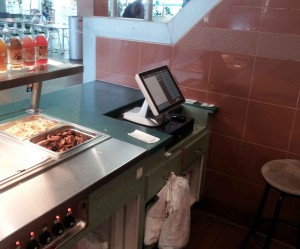
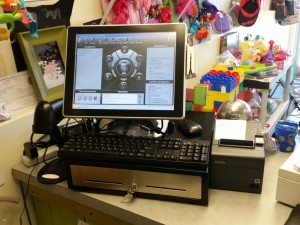
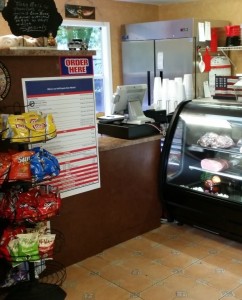
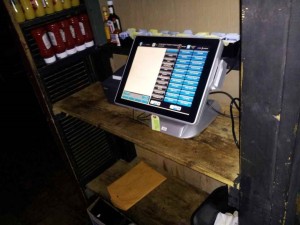
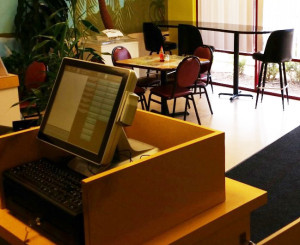
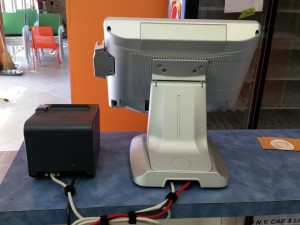
These photographs show examples of actual installations, including restaurant counters, server stations, and retail checkout areas. Although the equipment pictured represents earlier generations of POS technology, the installations demonstrate how systems can be configured to meet the needs of different businesses.
Restaurant and Retail POS Installations
Every business has different requirements. A smaller restaurant or retail store may operate efficiently with a single POS terminal, while a busy restaurant may benefit from multiple terminals located throughout the business.
Terminal placement, available counter space, network connections, and employee workflow are all important considerations when designing or upgrading a POS system.
Choosing the Right POS Configuration
When replacing an existing POS system, it’s worth reviewing how employees use the equipment throughout the day.
For example, additional terminals may help reduce congestion when multiple employees need access to the system during busy periods. In other situations, relocating existing workstations or introducing handheld ordering devices may be more practical.
Retail businesses may require barcode scanners, cash drawers, customer-facing displays, or other accessories, while restaurants may need kitchen printers, kitchen display systems, or multiple order-entry locations.
Our goal is to help you identify the combination of equipment and features that best fits your operation.
Making Use of Existing Equipment
Replacing a POS system doesn’t always require replacing every piece of equipment in your business.
Depending on the new system’s requirements, some existing network cabling, printers, or other components may be suitable for reuse.
Compatibility varies by system, so it’s important to evaluate your current equipment before making purchasing or installation decisions.
For more information about the available equipment and features, visit our POS Equipment and System Options page.
View More POS Installation Photos – Gallery 2
Considering a POS Upgrade?
Whether you’re looking to replace an existing POS system or explore newer technology, we’d be happy to discuss your business and available options.
CONTACT FORM